

Exploring Environment Variations#
The earlier environment examples chose one fixed HDR
background for each launch. An Arena variation instead samples a registered environment property
automatically. In this guide, Arena varies the HDR background, light intensity, and wrist-camera
position. Before connecting a trained policy, you can explore these variations with the
zero_action policy. The robot stays still while the environment loads and renders, so no model
weights are required.
The gallery below previews supported lighting, camera, and background effects.
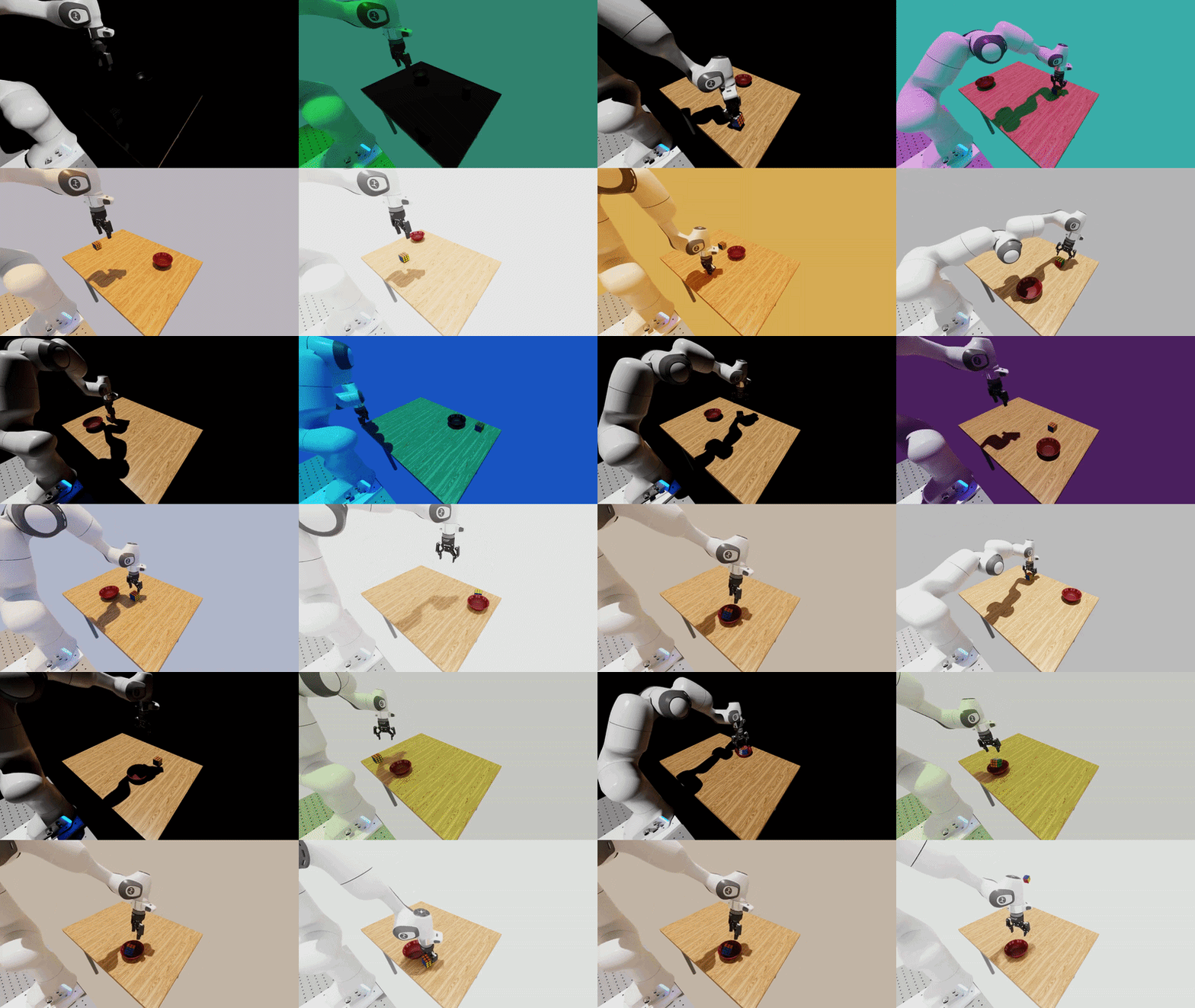
Lighting direction, color, temperature, and intensity variations.#
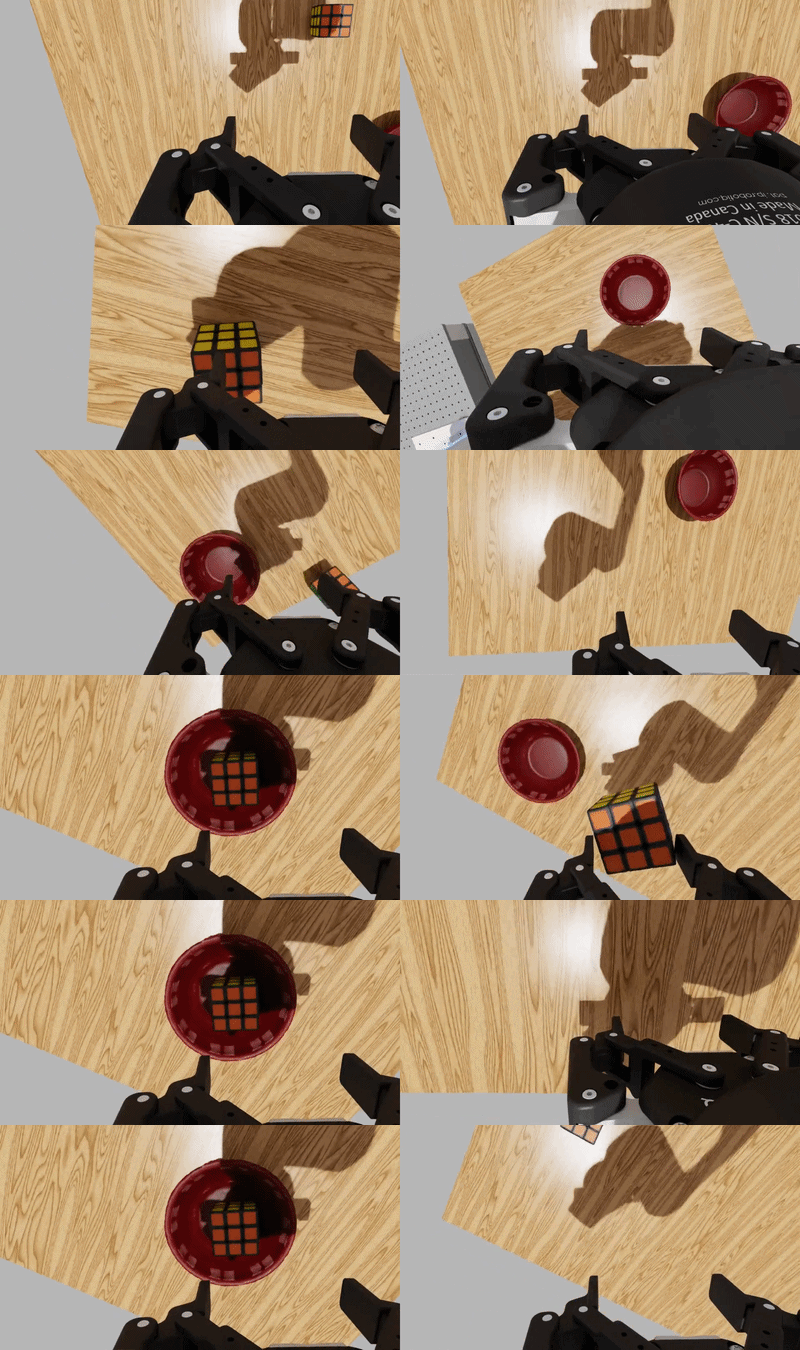
Wrist-camera intrinsics and extrinsics variations.#
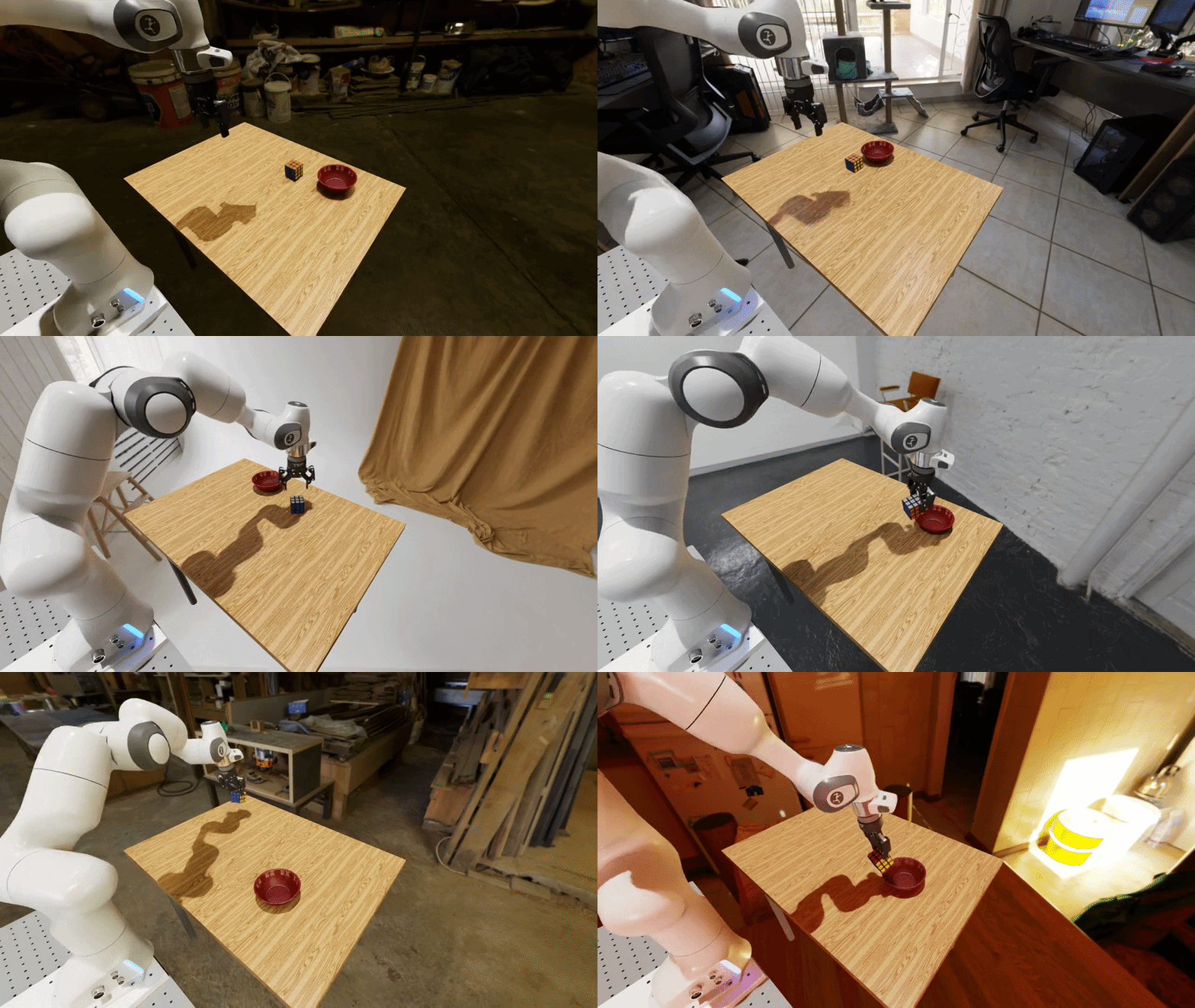
The same task with different HDR backgrounds.#
Run the example#
The repository includes a DROID pick-and-place example that enables three variations: the HDR background, light intensity, and wrist-camera position. Its zero-action policy keeps the robot still, and five environment rebuilds make the visual changes easy to inspect.
Configuration file (droid_pnp_variations_experiment.yaml)
# Copyright (c) 2026, The Isaac Lab Arena Project Developers (https://github.com/isaac-sim/IsaacLab-Arena/blob/main/CONTRIBUTORS.md).
# All rights reserved.
#
# SPDX-License-Identifier: Apache-2.0

runs:
  variations_demo:
    environment:
      type: pick_and_place_maple_table
      enable_cameras: true
      embodiment: droid_rel_joint_pos
    policy:
      type: zero_action
    rollout_limit:
      num_steps: 10
    # Number of times the environment is rebuilt with different variation values.
    num_rebuilds: 5
    # The variations to enable for this run.
    variations:
      light.hdr_image.enabled: true
      light.intensity.enabled: true
      droid_rel_joint_pos.camera_extrinsics_wrist_camera.enabled: true
Prepare the runtime from the repository root, using either a native uv environment or the base
Docker container (see Installation for the full setup):
uv sync --extra dev
source .venv/bin/activate
export OMNI_KIT_ACCEPT_EULA=YES ACCEPT_EULA=Y
./docker/run_docker.sh
Then run the example:
python isaaclab_arena/evaluation/experiment_runner.py \
  --viz kit \
  --experiment_config isaaclab_arena_environments/experiment_configs/droid_pnp_variations_experiment.yaml
The viewport will show the environment being rebuilt with different backgrounds and light intensities:
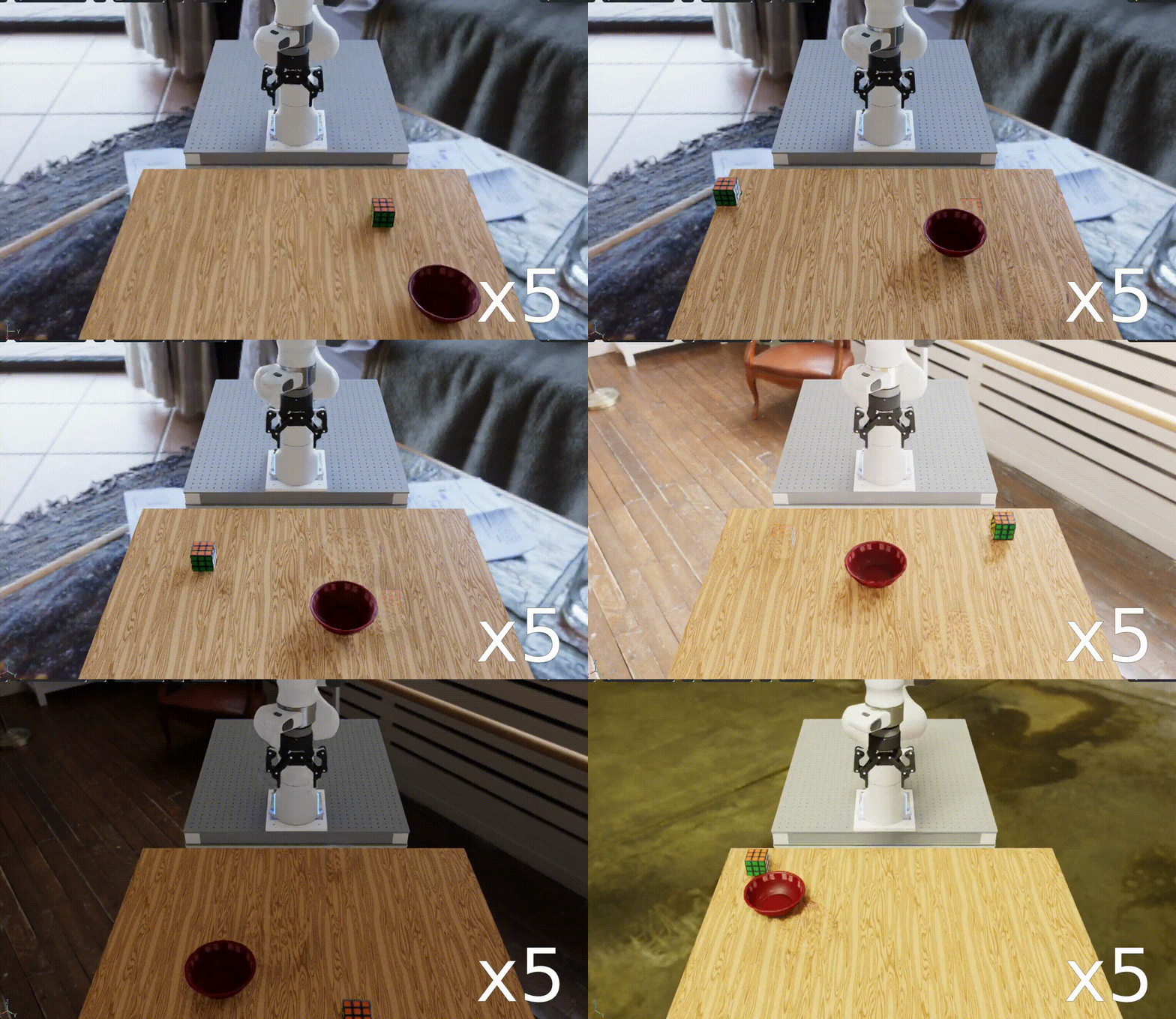
The example at 5x playback speed. The wrist-camera position also changes, but that change is not visible from the external viewport.#
The background and light intensity are sampled before each environment build. The wrist-camera position is sampled when the environment resets. Arena calls these build-time and run-time variations. See Build-time and run-time variations for details.
Explore other variations#
Use the same YAML file with --list_variations to see the variations available for its
environment:
python isaaclab_arena/evaluation/experiment_runner.py \
  --experiment_config isaaclab_arena_environments/experiment_configs/droid_pnp_variations_experiment.yaml \
  --list_variations
See Variations for the available variations and their configuration options.
See Arena Experiments for configuration rules and local and OSMO execution.
Next steps#
Continue to Running a Real Policy to replace the zero-action policy with a trained policy. To measure which variations are associated with success or failure, follow the Evaluation workflow.