

GR1 Sequential Pick & Place and Close Door Task#
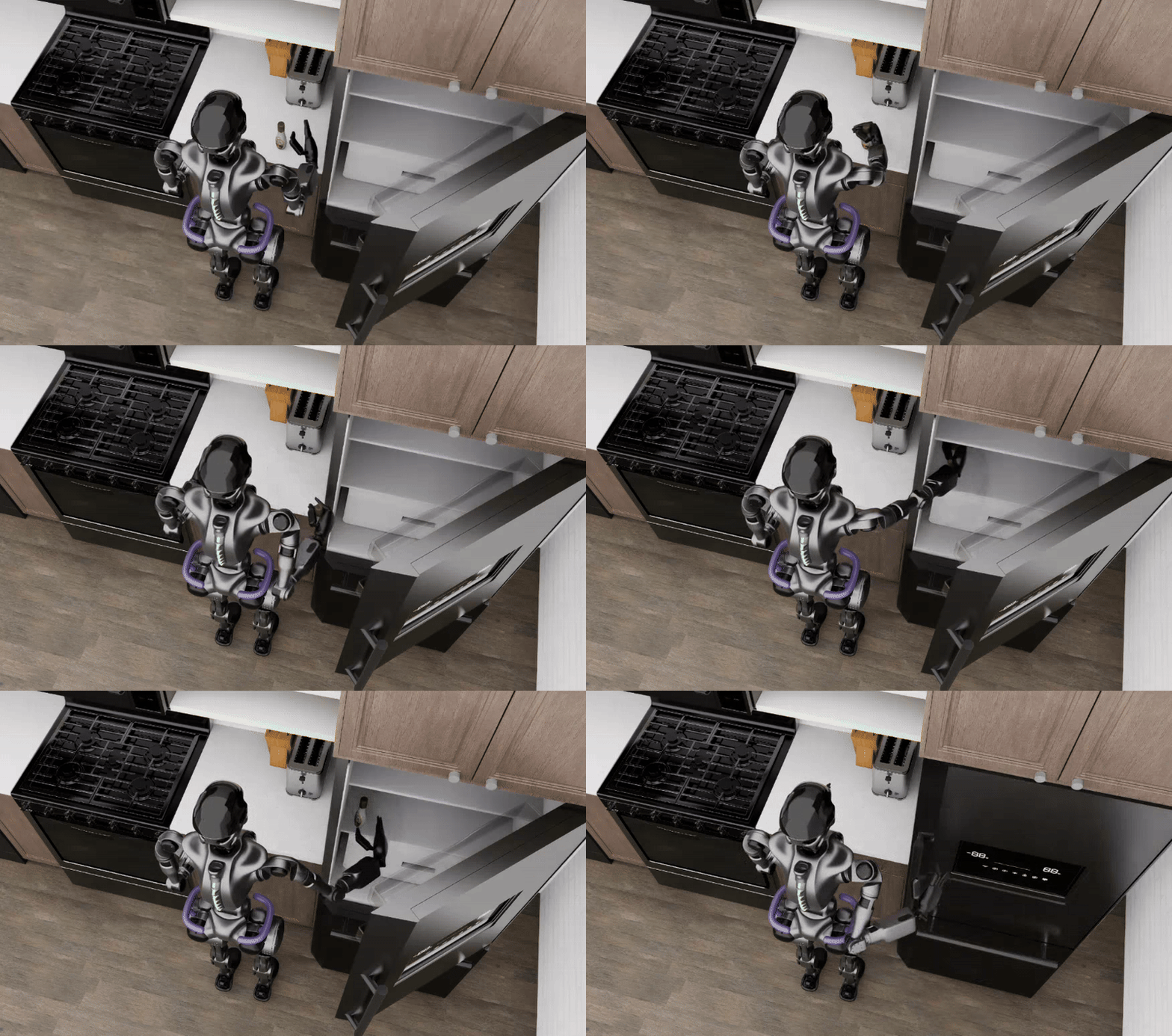
This example demonstrates the complete workflow for the GR1 sequential manipulation task of picking up an object, placing it into a refrigerator, and closing the door. The environment is built and validated in Isaac Lab Arena, then passed to Isaac Lab for teleoperation data collection and data generation with Isaac Lab Mimic; the policy is post-trained with Isaac-GR00T and evaluated in closed loop back in Isaac Lab Arena.
Task Overview#
Task ID: put_item_in_fridge_and_close_door
Task Description: The GR1T2 humanoid uses its upper body (arms and hands) to pick up an object, place it into a refrigerator, and close the door.
Key Specifications:
Property |
Value |
|---|---|
Tags |
Table-top manipulation |
Skills |
Pick & place, Close door |
Embodiment |
Fourier GR1T2 (54 DOF humanoid) |
Interop |
Isaac Lab Teleop, Isaac Lab Mimic |
Scene |
LightWheel Kitchen environment |
Objects |
Refrigerator (articulated object), Rigid object to be placed in the refrigerator (e.g. ranch dressing bottle) |
Policy |
GR00T N1.6 (vision-language foundation model) |
Post-training |
Imitation Learning — post-trained with Isaac-GR00T |
Physics |
PhysX (200Hz @ 4 decimation) |
Closed-loop |
Yes (50Hz control) |
Workflow#
This tutorial covers the pipeline between creating an environment in Isaac Lab Arena, generating training data through Isaac Lab, fine-tuning a policy (GR00T N1.6), and evaluating the policy in closed-loop in Isaac Lab Arena.
Prerequisites#
Start the isaaclab docker container
./docker/run_docker.sh
You’ll also need to create the folders for the data and models. Create the folders for the data and models with:
export DATASET_DIR=/datasets/isaaclab_arena/sequential_static_manipulation_tutorial
mkdir -p $DATASET_DIR
export MODELS_DIR=/models/isaaclab_arena/sequential_static_manipulation_tutorial
mkdir -p $MODELS_DIR
Workflow Steps#
Follow the following steps to complete the workflow: