

Franka Lift Object Task#
This example demonstrates the complete workflow for reinforcement learning-based object lifting with the Franka Panda robot. The environment is built in Isaac Lab Arena and passed to Isaac Lab for policy training with RSL-RL, and the resulting checkpoint is evaluated in closed loop in Isaac Lab Arena.
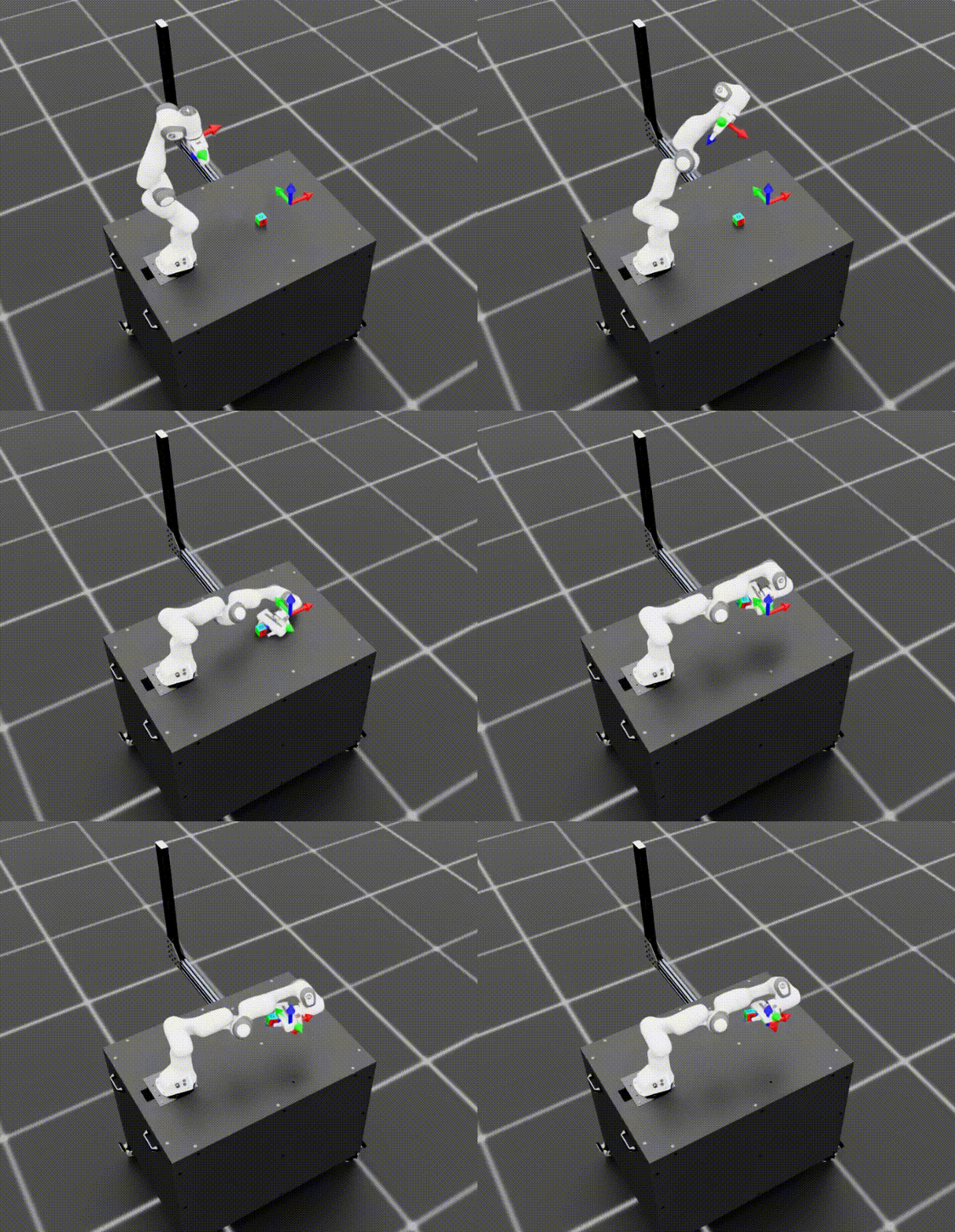
Task Overview#
Task ID: lift_object
Task Description: The Franka Panda robot learns to grasp and lift objects to target positions through reinforcement learning. The task uses a command-based goal specification, where the RL agent learns to reach sampled target poses.
Key Specifications:
Property |
Value |
|---|---|
Tags |
Table-top manipulation |
Skills |
Reach, Grasp, Lift |
Embodiment |
Franka Panda (9 DOF arm + 2 DOF gripper) |
Scene |
Table with ground plane and lighting |
Objects |
Configurable (default: dex_cube) |
Policy |
RSL-RL PPO (learned from scratch) |
Training Method |
Reinforcement Learning (on-policy PPO) — trained in Isaac Lab |
Physics |
PhysX (50Hz @ 2 decimation) |
Closed-loop |
Yes (50Hz control) |
Command Space |
Target position [x, y, z] relative to object initial pose |
Training Time |
~6 hours (12,000 iterations on 512 environments in a A6000) |
Workflow#
This tutorial covers the pipeline for creating an RL environment in Isaac Lab Arena, passing it to Isaac Lab to train a policy using RSL-RL, and evaluating the trained policy in closed-loop in Isaac Lab Arena. A user can follow the whole pipeline, or can start at any intermediate step by using the provided checkpoints.
Prerequisites#
Start the isaaclab docker container
./docker/run_docker.sh
We store models on Hugging Face, so you’ll need log in to Hugging Face if you haven’t already.
hf auth login
You’ll need to create folders for logs, checkpoints, and models:
export LOG_DIR=logs/rsl_rl
mkdir -p $LOG_DIR
export MODELS_DIR=/models/isaaclab_arena/reinforcement_learning
mkdir -p $MODELS_DIR
Workflow Steps#
Follow the following steps to complete the workflow: