
Showroom Demos#
The main core interface extension in Isaac Lab isaaclab provides
the main modules for actuators, objects, robots and sensors. We provide
a list of demo scripts and tutorials. These showcase how to use the provided
interfaces within a code in a minimal way.
A few quick showroom scripts to run and checkout:
Note
The recommended automatic uv commands include --extra isaacsim because the showroom
scripts use Isaac Sim and default to its PhysX or Kit-backed runtime. A fresh checkout does not
install that optional dependency group unless the command requests it.
The canonical Newton visualizers are newton_gl and the experimental newton_rtx.
The deprecated newton name remains an alias for newton_gl.
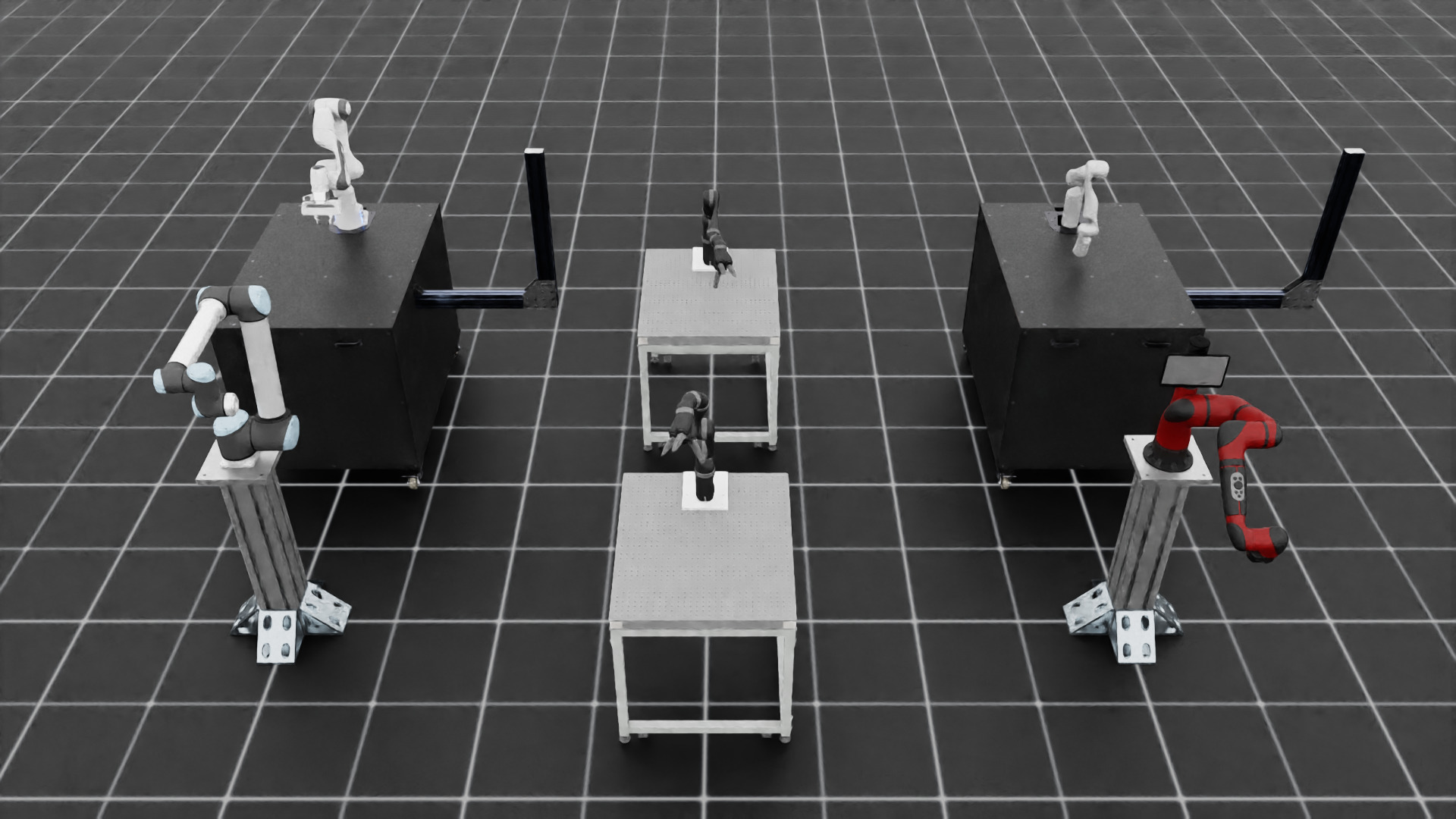
Spawn different arms and apply random joint position commands:
Physics:
isaacsim_physx,newton_mjwarpVisualizer:
none,kit,newton_gl,newton_rtx,rerun,viseruv run --extra isaacsim python scripts/demos/arms.py
./isaaclab.sh -p scripts/demos/arms.py
isaaclab.bat -p scripts\demos\arms.py
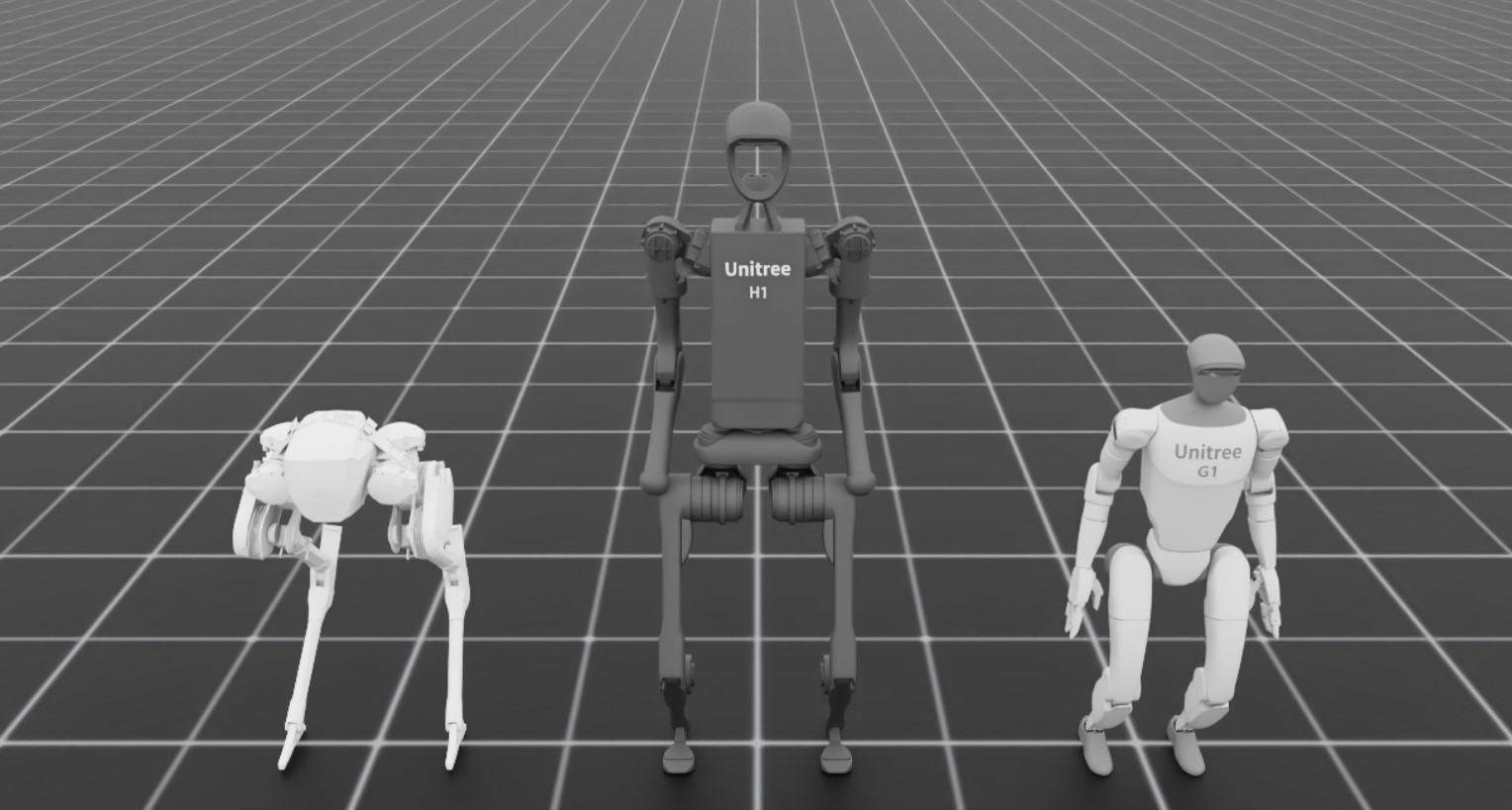
Spawn different biped robots:
Physics:
isaacsim_physx,newton_mjwarpVisualizer:
none,kit,newton_gl,newton_rtx,rerun,viseruv run --extra isaacsim python scripts/demos/bipeds.py
./isaaclab.sh -p scripts/demos/bipeds.py
isaaclab.bat -p scripts\demos\bipeds.py
Spawn a pile of cables that collide and settle on each other:
Physics:
newton_vbdonlyVisualizer:
none,kit,newton_gl,newton_rtx,rerun,viseruv run --extra isaacsim python scripts/demos/cables.py
./isaaclab.sh -p scripts/demos/cables.py
isaaclab.bat -p scripts\demos\cables.py
Select the listed options with
--physicsand--visualizer. Use--num_cablesand--num_segmentsto change the pile size and cable resolution. Cables are a Newton-only asset; see Using Cables.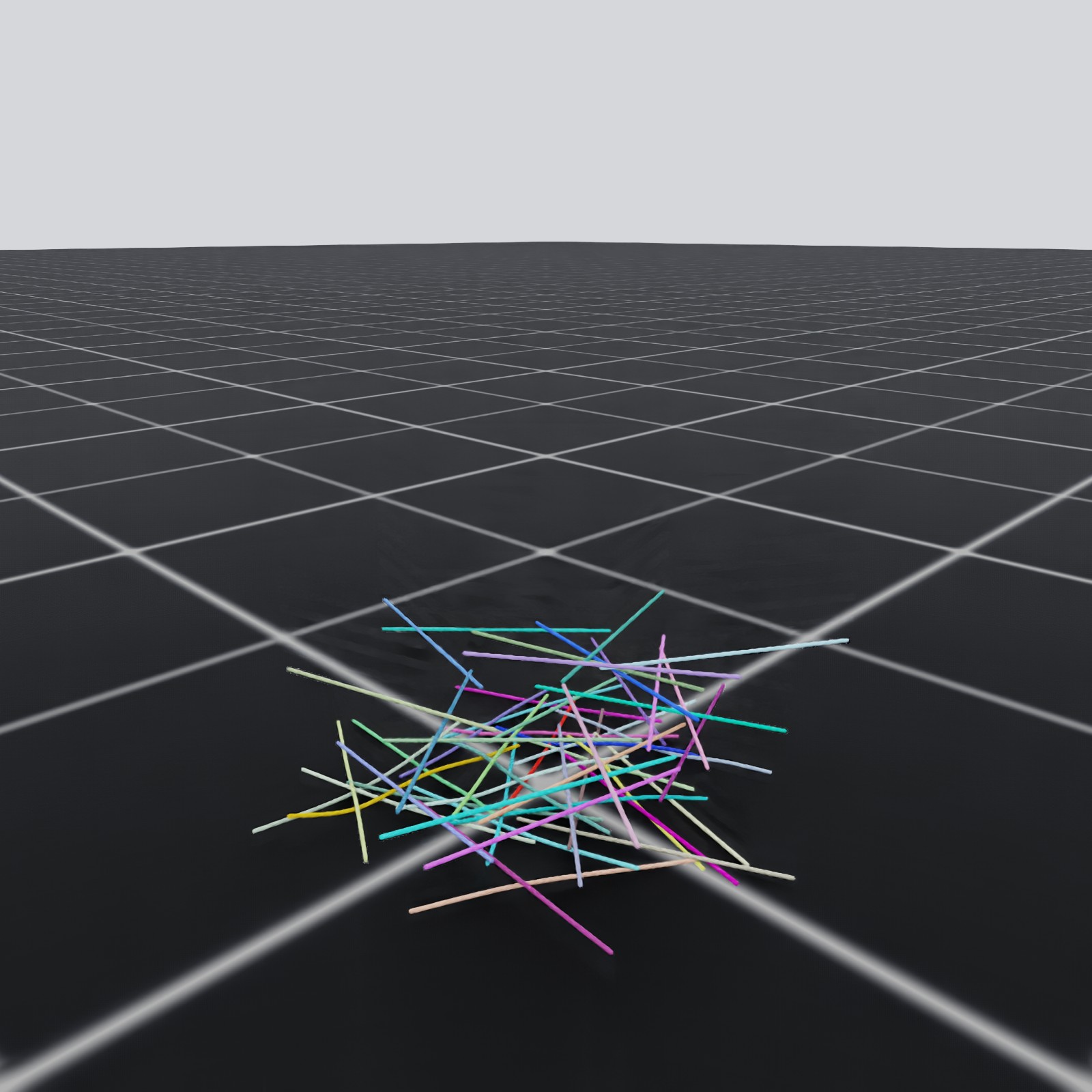
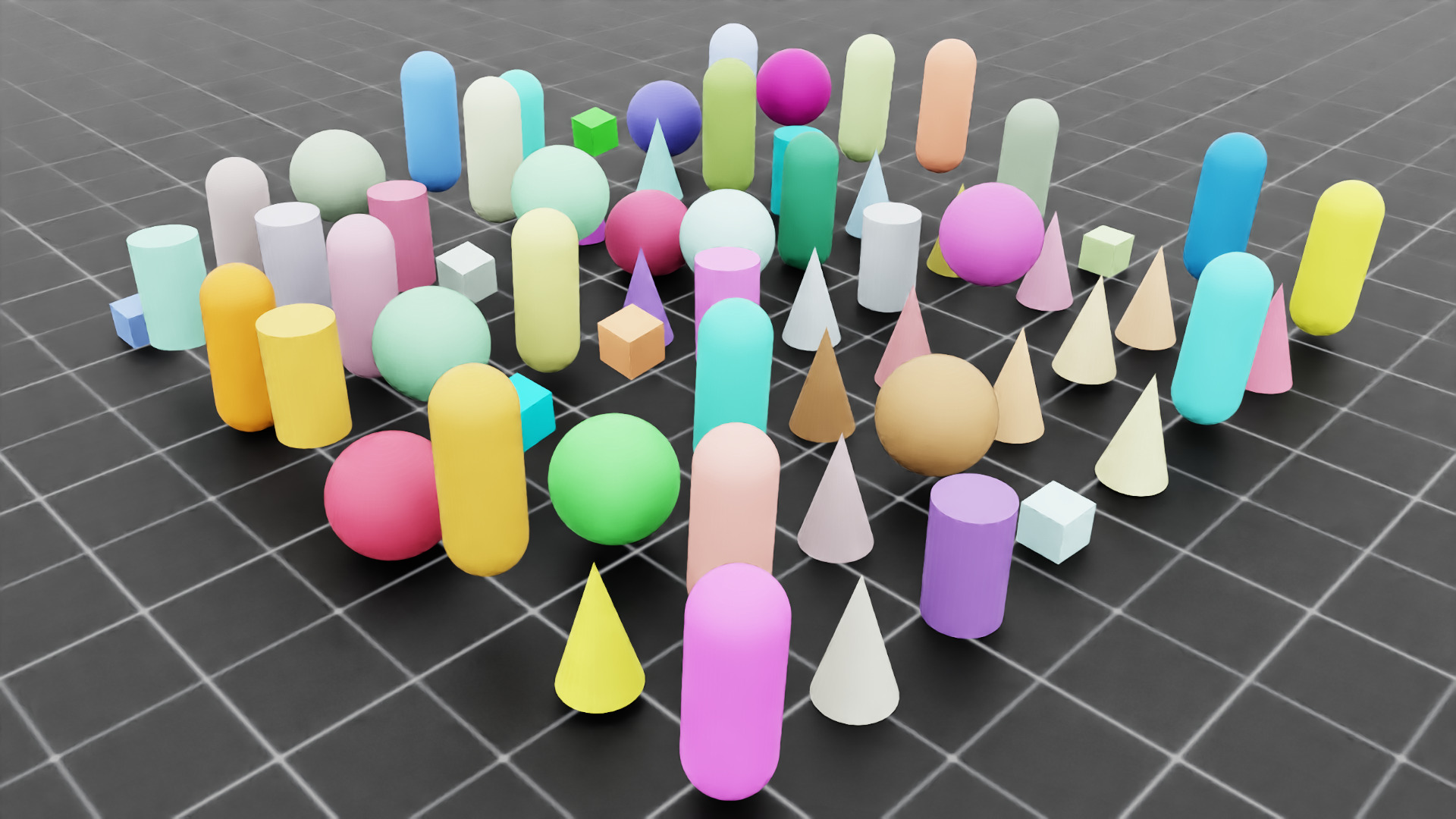
Spawn different deformable objects and let them fall from a height:
Physics:
isaacsim_physx,newton_vbd,ovphysxVisualizer:
nonefor every physics backend;kitwith Isaac Sim PhysX and Newton VBD;newton_gl,newton_rtx,rerun, andviserwith Newton VBD onlyuv run --extra isaacsim --extra tetrahedralization python scripts/demos/deformables.py
./isaaclab.sh -i tetrahedralization

./isaaclab.sh -p scripts/demos/deformables.py
isaaclab.bat -i tetrahedralization

isaaclab.bat -p scripts\demos\deformables.py
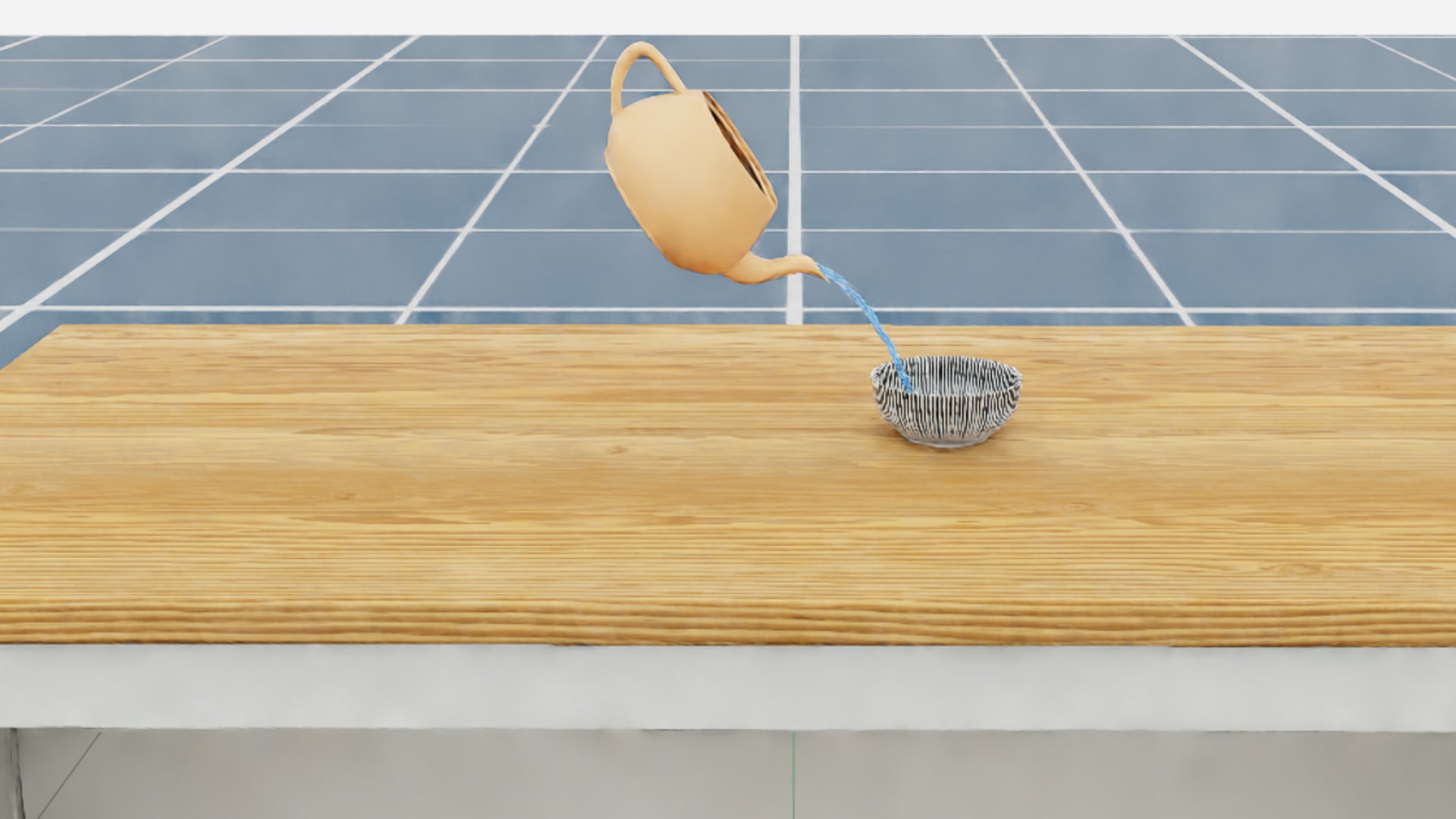
Fill a Utah teapot with water particles, then tilt it to pour the fluid into a bowl:
Physics:
newton_mpmonlyVisualizer:
none,kit,newton_gl,newton_rtx,rerun,viserThis demo shows how to sample particles inside a hollow mesh and simulate the resulting fluid with Newton’s experimental implicit Material Point Method (MPM) backend.
uv run python scripts/demos/mpm/teapot_fill.py --device cuda:0 --visualizer newton_gl
uv run python scripts\demos\mpm\teapot_fill.py --device cuda:0 --visualizer newton_gl
Interactive inference of trained H1 rough terrain locomotion policy:
Physics:
isaacsim_physxonlyVisualizer:
kitonlyThis demo downloads a policy and requires interactive input.
uv run --extra isaacsim python scripts/demos/h1_locomotion.py
./isaaclab.sh -p scripts/demos/h1_locomotion.py
isaaclab.bat -p scripts\demos\h1_locomotion.py
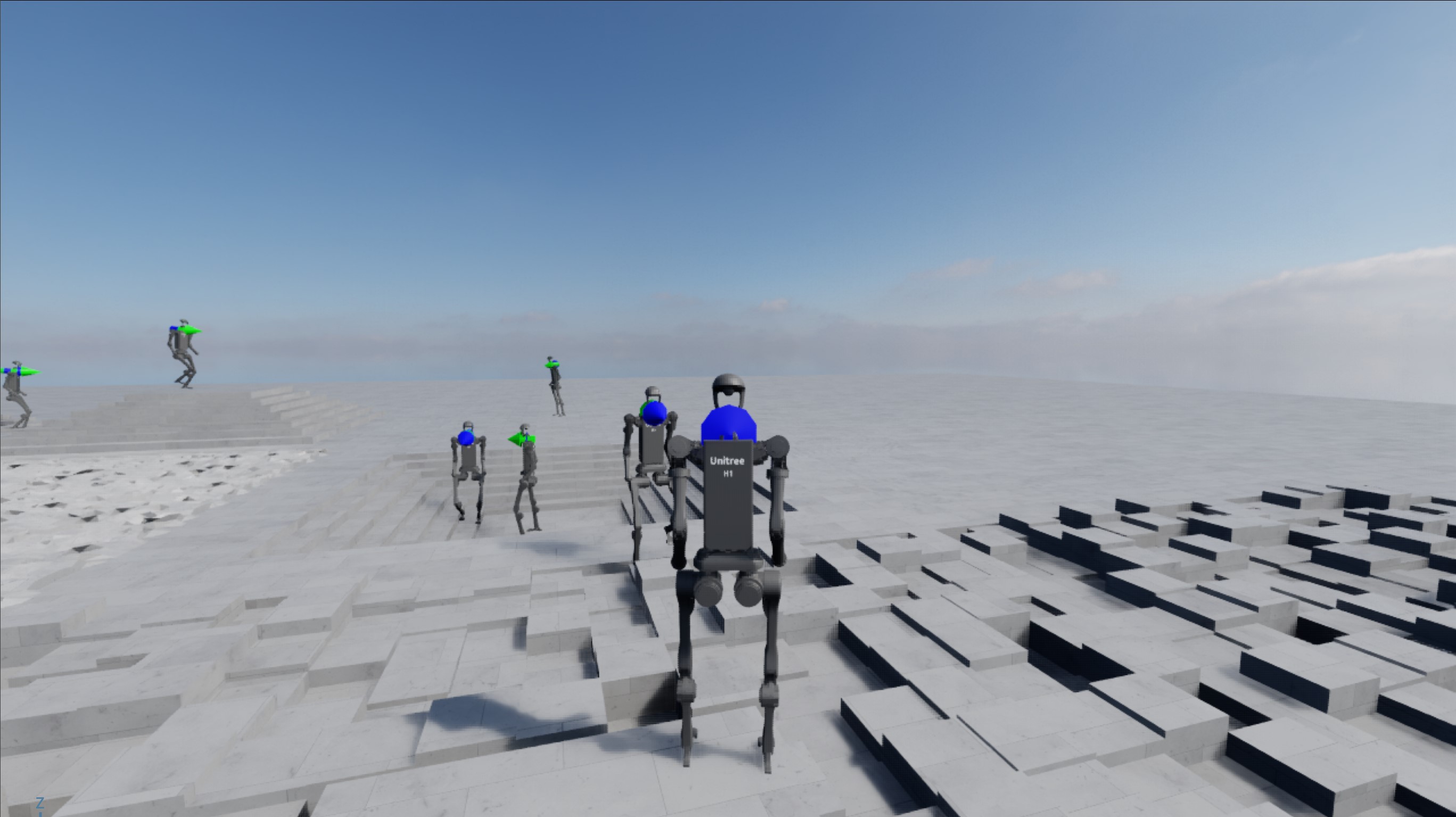
This is an interactive demo that can be run using the mouse and keyboard. To enter third-person perspective, click on a humanoid character in the scene. Once entered into third-person view, the humanoid can be controlled by keyboard using:
UP: go forwardLEFT: turn leftRIGHT: turn rightDOWN: stopC: switch between third-person and perspective viewsESC: exit current third-person view
If a misclick happens outside of the humanoid bodies when selecting a humanoid, a message is printed to console indicating the error, such as
The selected prim was not a H1 robotorMultiple prims are selected. Please only select one!.Spawn different hands and command them to open and close:
Physics:
isaacsim_physx,newton_mjwarpVisualizer:
none,kit,newton_gl,newton_rtx,rerun,viseruv run --extra isaacsim python scripts/demos/hands.py
./isaaclab.sh -p scripts/demos/hands.py
isaaclab.bat -p scripts\demos\hands.py
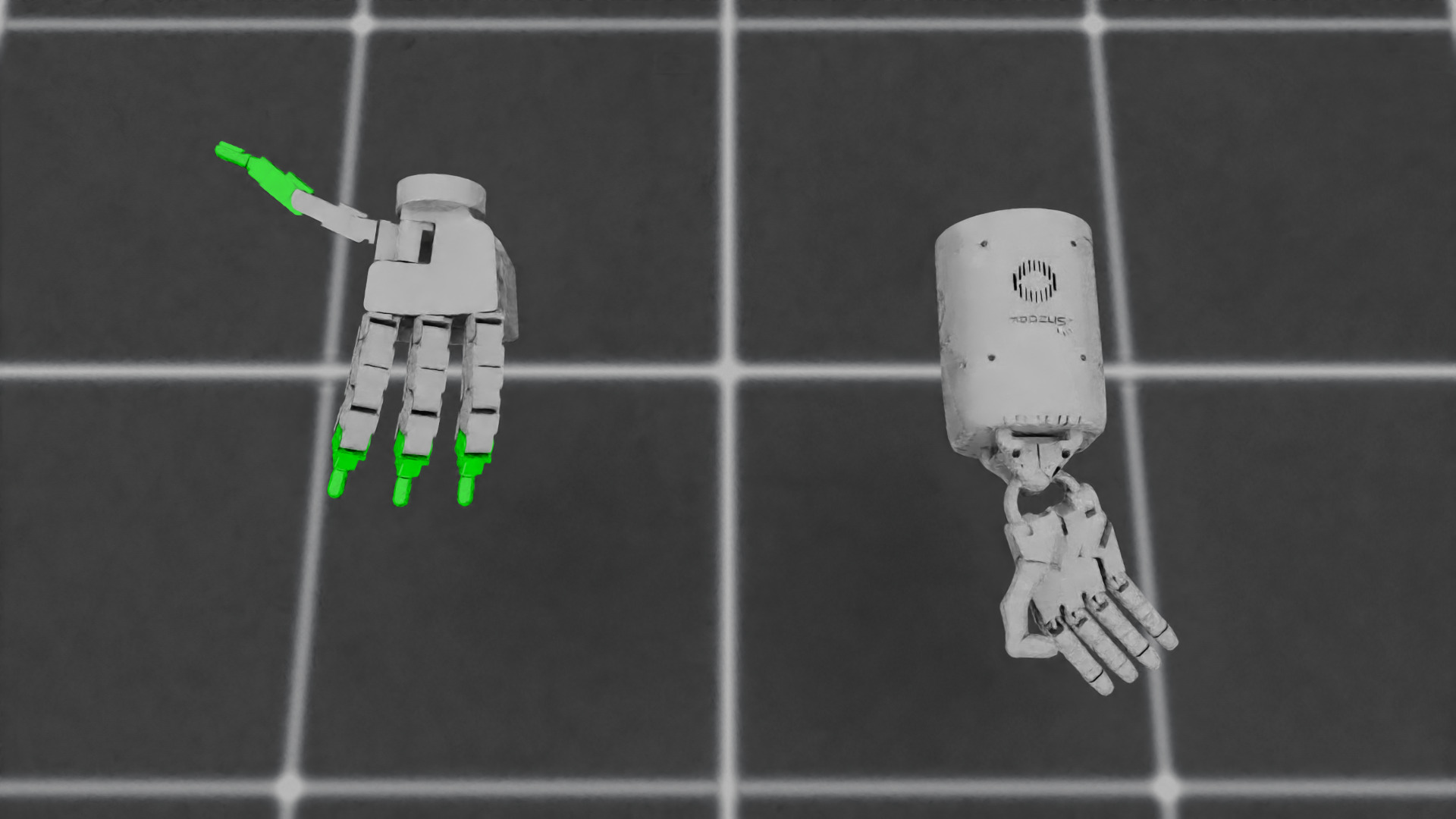
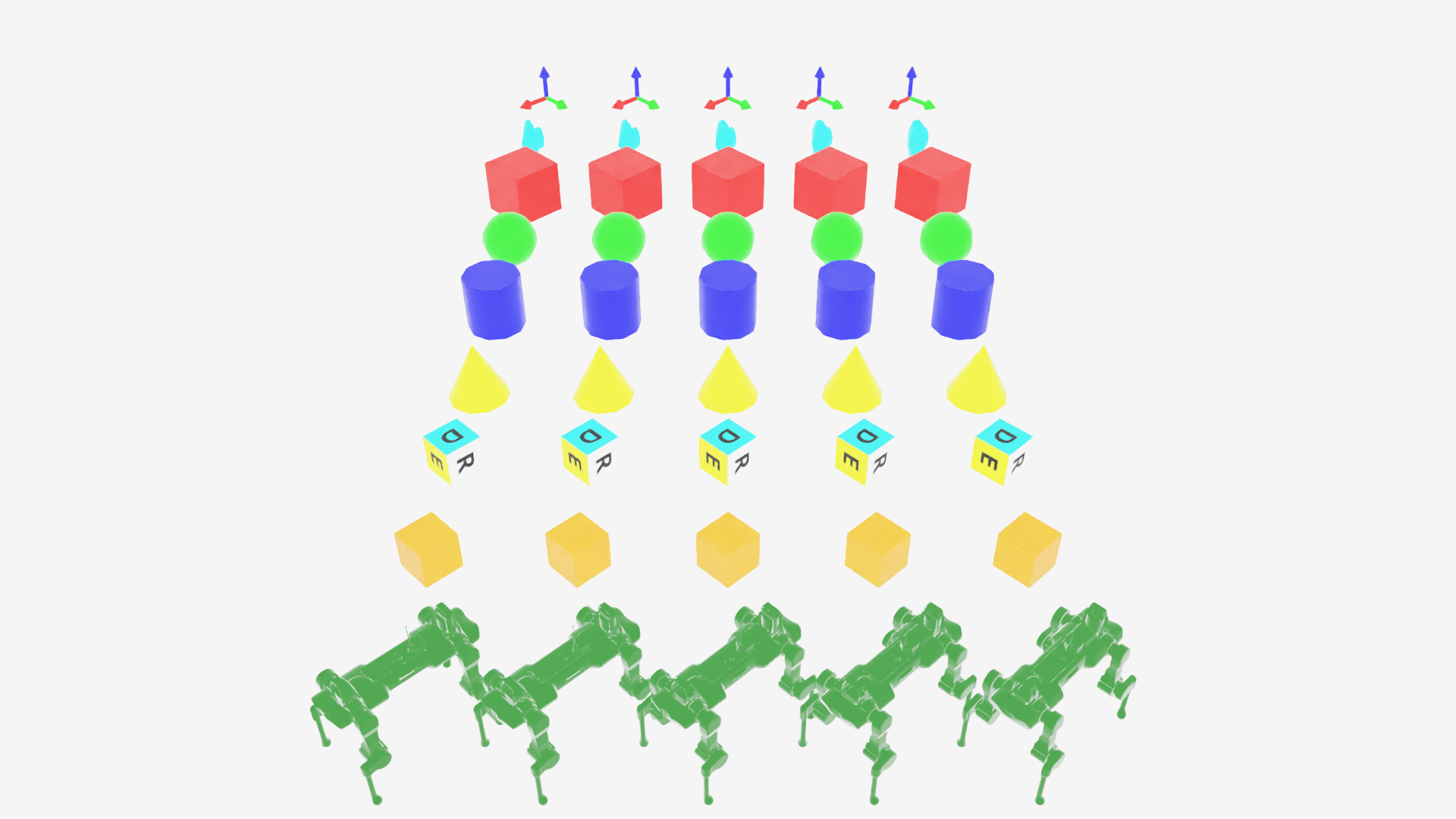
Define multiple markers that are useful for visualizations:
Physics:
isaacsim_physxonlyVisualizer:
none,kit,newton_gl,newton_rtx,rerun,viseruv run --extra isaacsim python scripts/demos/markers.py
./isaaclab.sh -p scripts/demos/markers.py
isaaclab.bat -p scripts\demos\markers.py
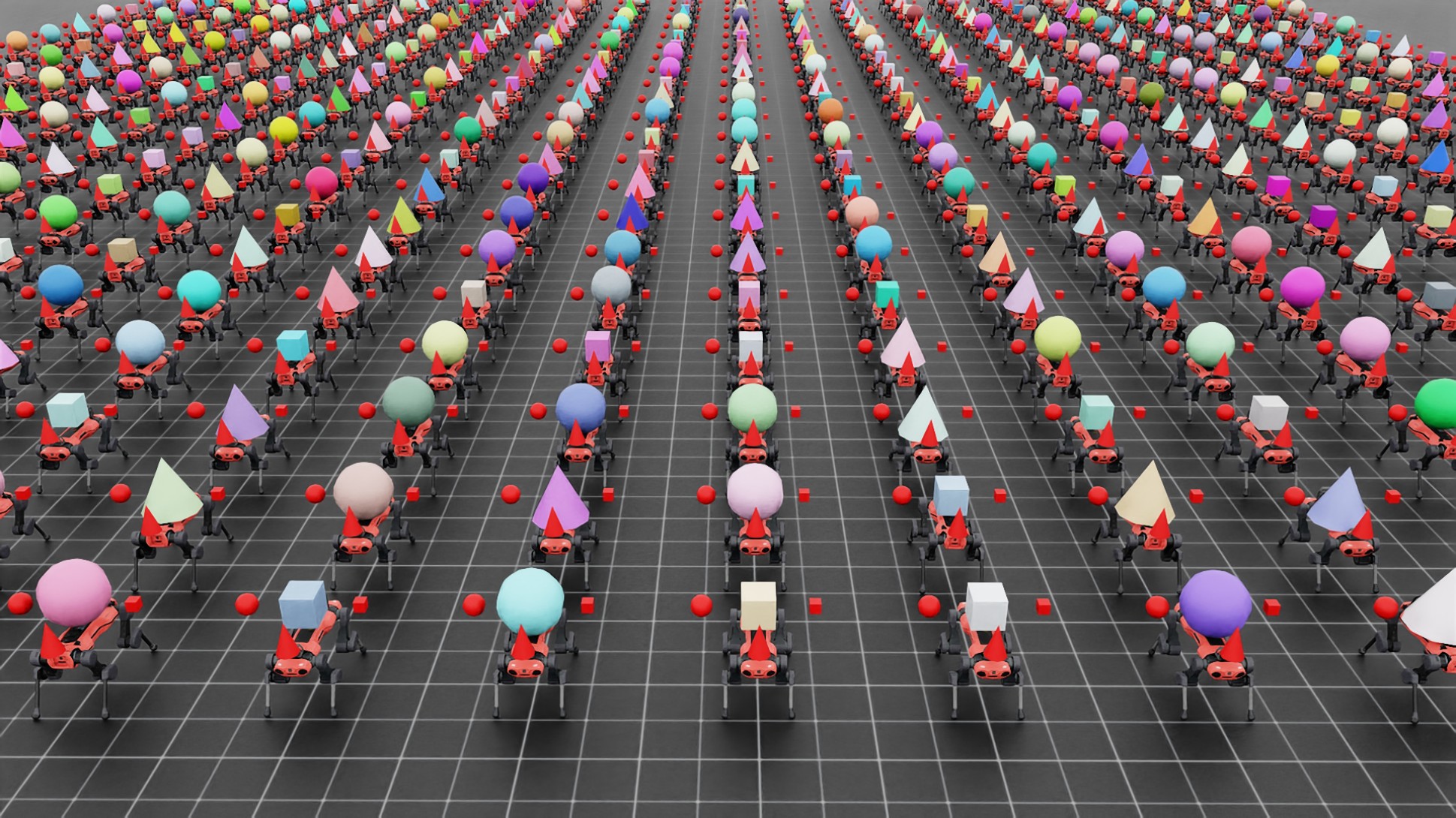
Use the interactive scene and spawn varying assets in individual environments:
Physics:
isaacsim_physx,newton_mjwarpVisualizer:
none,kit,newton_gl,newton_rtx,rerun,viseruv run --extra isaacsim python scripts/demos/multi_asset.py
./isaaclab.sh -p scripts/demos/multi_asset.py
isaaclab.bat -p scripts\demos\multi_asset.py
Compose task scenes into one heterogeneous simulation using clone combinations:
Physics:
isaacsim_physxonlyVisualizer:
none,kit,newton_gl,newton_rtx,rerun,viseruv run --extra isaacsim python scripts/demos/heterogeneous_scene.py
./isaaclab.sh -p scripts/demos/heterogeneous_scene.py
isaaclab.bat -p scripts\demos\heterogeneous_scene.py
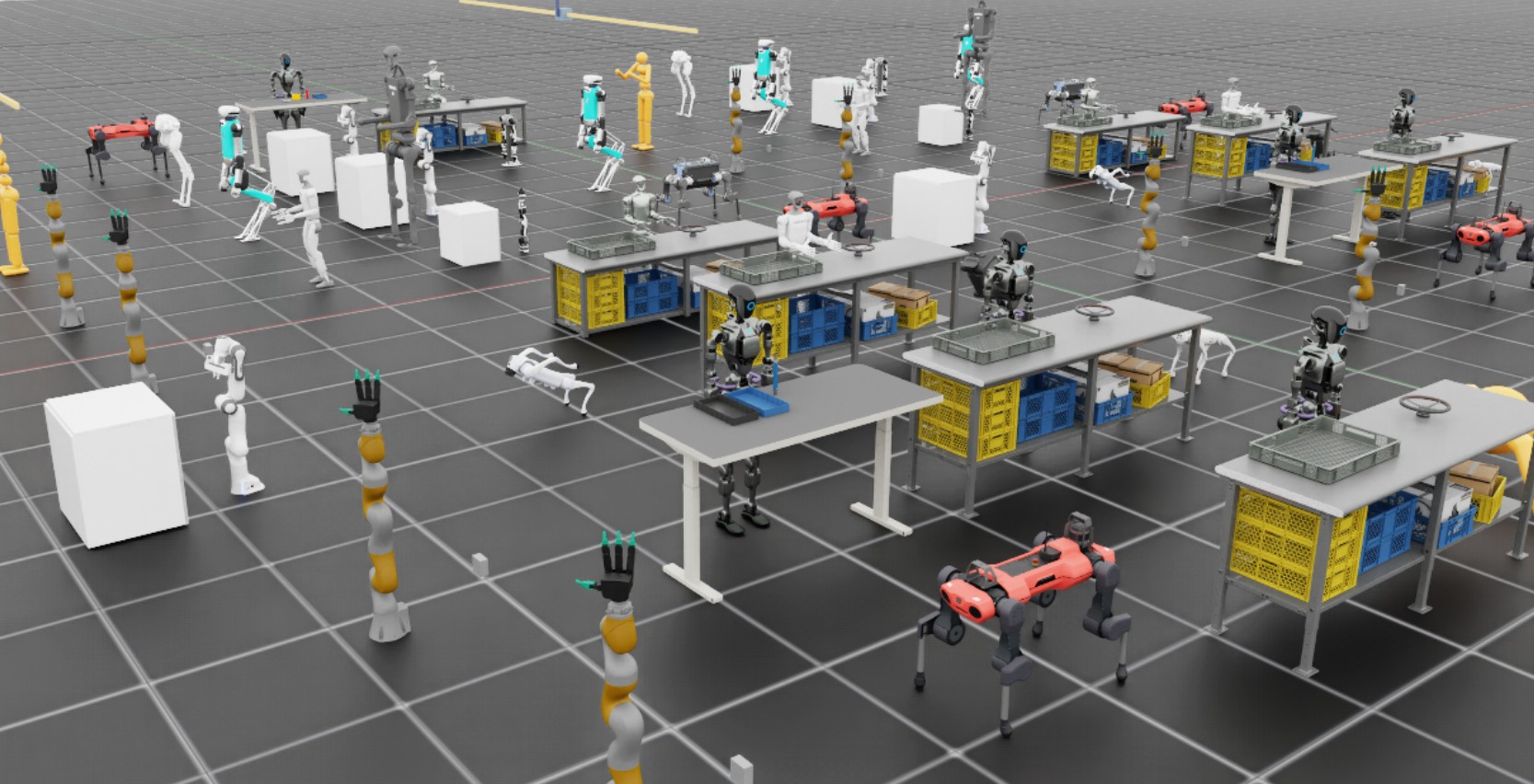
The demo resolves a curated selection of PhysX task scenes that share a flat floor at height zero, folds them into a single scene with
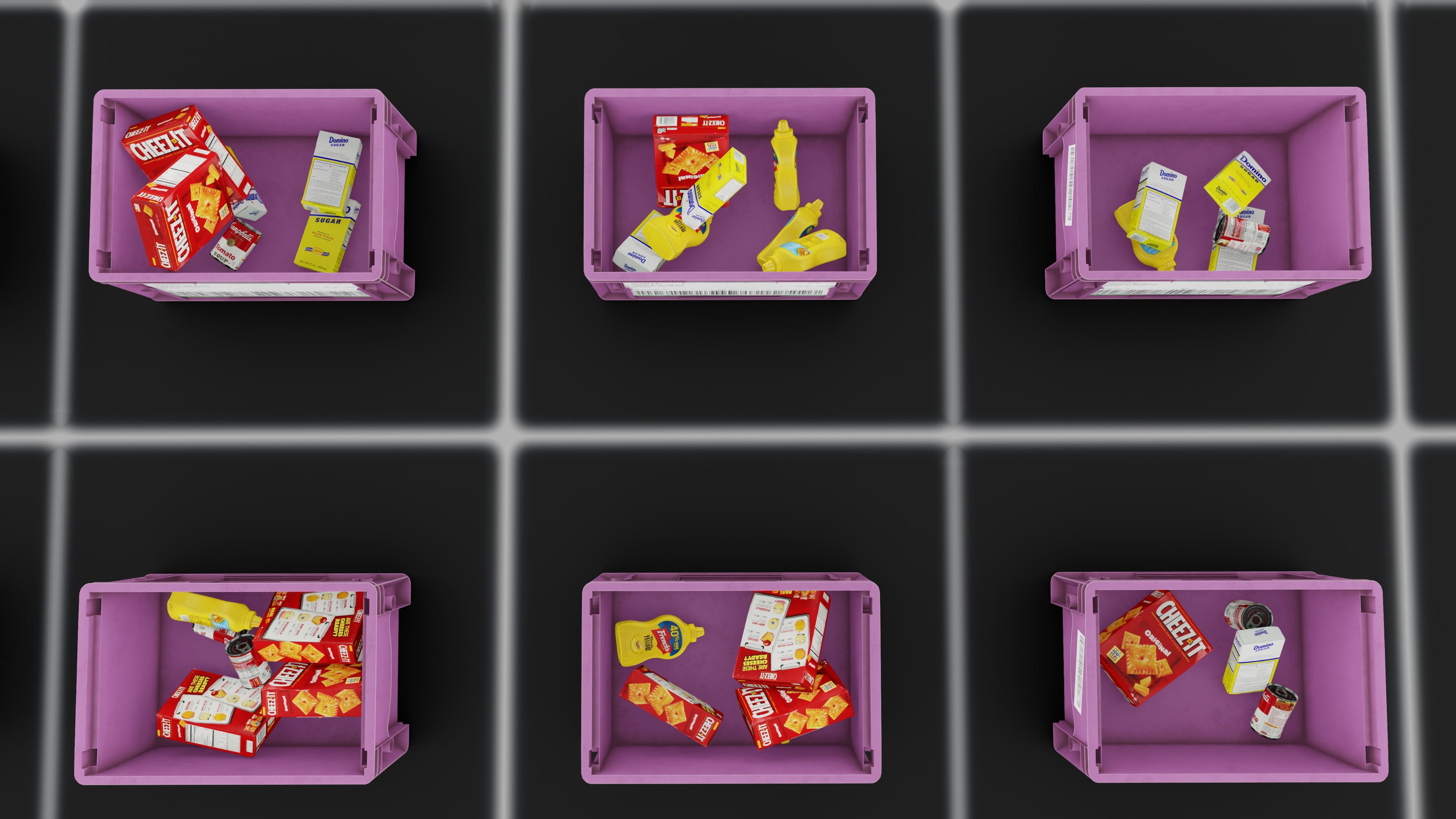
add(), and clones the combined scene so each environment hosts one task’s assets. Use--num_taskand--num_envsto run a smaller composition.Use the RigidObjectCollection spawn and view manipulation to demonstrate bin-packing example:
Physics:
isaacsim_physxVisualizer:
none,kit,newton_gl,newton_rtx,rerun,viseruv run --extra isaacsim python scripts/demos/bin_packing.py
./isaaclab.sh -p scripts/demos/bin_packing.py
isaaclab.bat -p scripts\demos\bin_packing.py
Use the interactive scene and spawn a simple parallel robot for pick and place:
Physics:
isaacsim_physxonlyVisualizer:
kitonlyThis demo requires interactive input and uses the CPU-only PhysX surface gripper. Newton physics is not supported.
uv run --extra isaacsim python scripts/demos/pick_and_place.py
./isaaclab.sh -p scripts/demos/pick_and_place.py
isaaclab.bat -p scripts\demos\pick_and_place.py
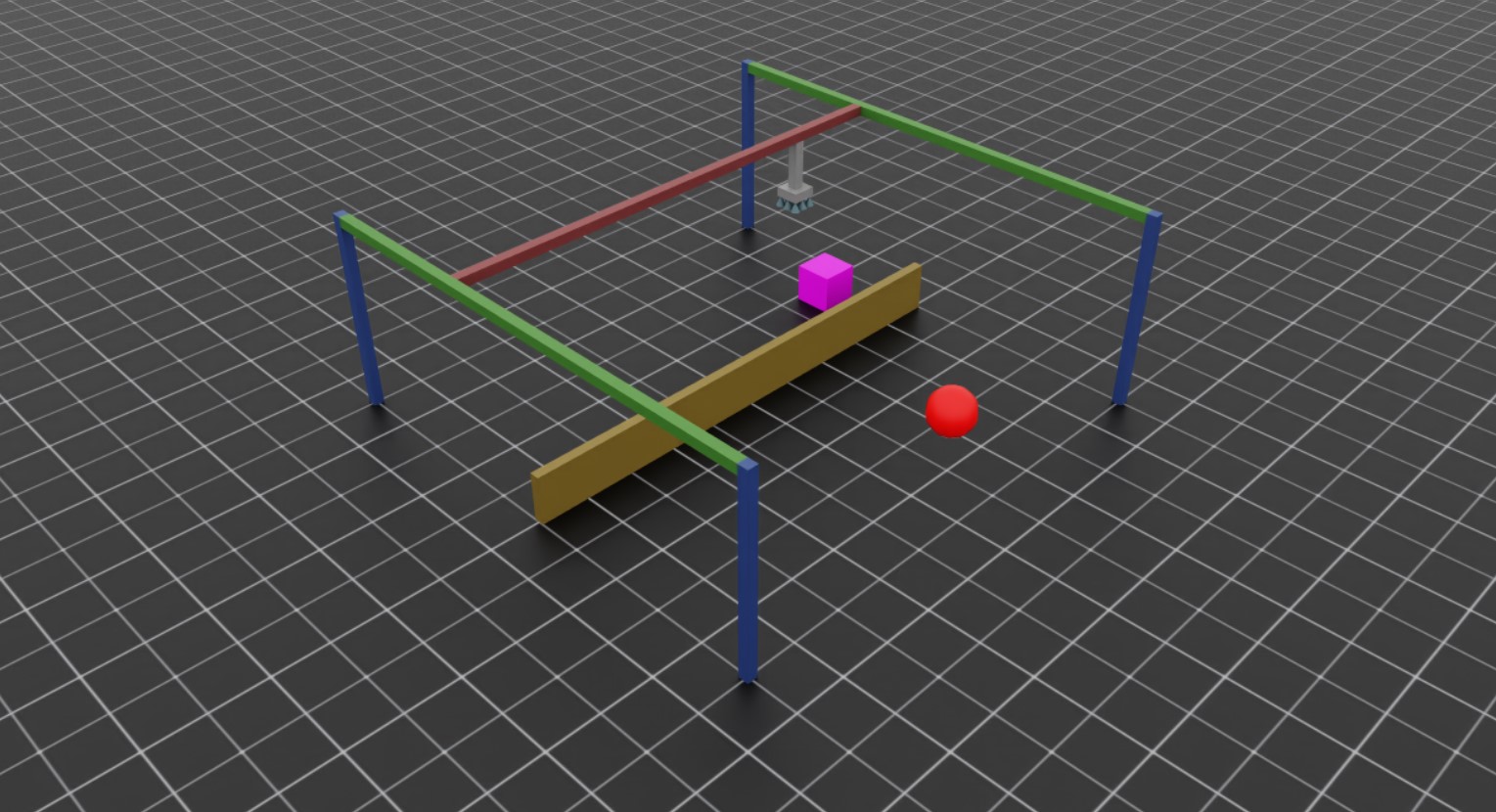
This is an interactive demo that can be run using the mouse and keyboard. Your goal is pick up the purple cube and to drop it on the red sphere! Use the following controls to interact with the simulation:
Hold the
Akey to have the gripper track the cube position.Hold the
Dkey to have the gripper track the target positionPress the
WorSkeys to move the gantry UP or DOWN respectivelyPress
QorEto OPEN or CLOSE the gripper respectively
Teleoperate a Franka Panda robot using Haply haptic device with force feedback:
Physics:
isaacsim_physx,newton_mjwarpVisualizer:
none,kit,newton_gl,newton_rtx,rerun,viserHaply hardware is required.
uv run --extra isaacsim python scripts/demos/haply_teleoperation.py --websocket_uri ws://localhost:10001 --pos_sensitivity 1.65
./isaaclab.sh -p scripts/demos/haply_teleoperation.py --websocket_uri ws://localhost:10001 --pos_sensitivity 1.65
isaaclab.bat -p scripts\demos\haply_teleoperation.py --websocket_uri ws://localhost:10001 --pos_sensitivity 1.65
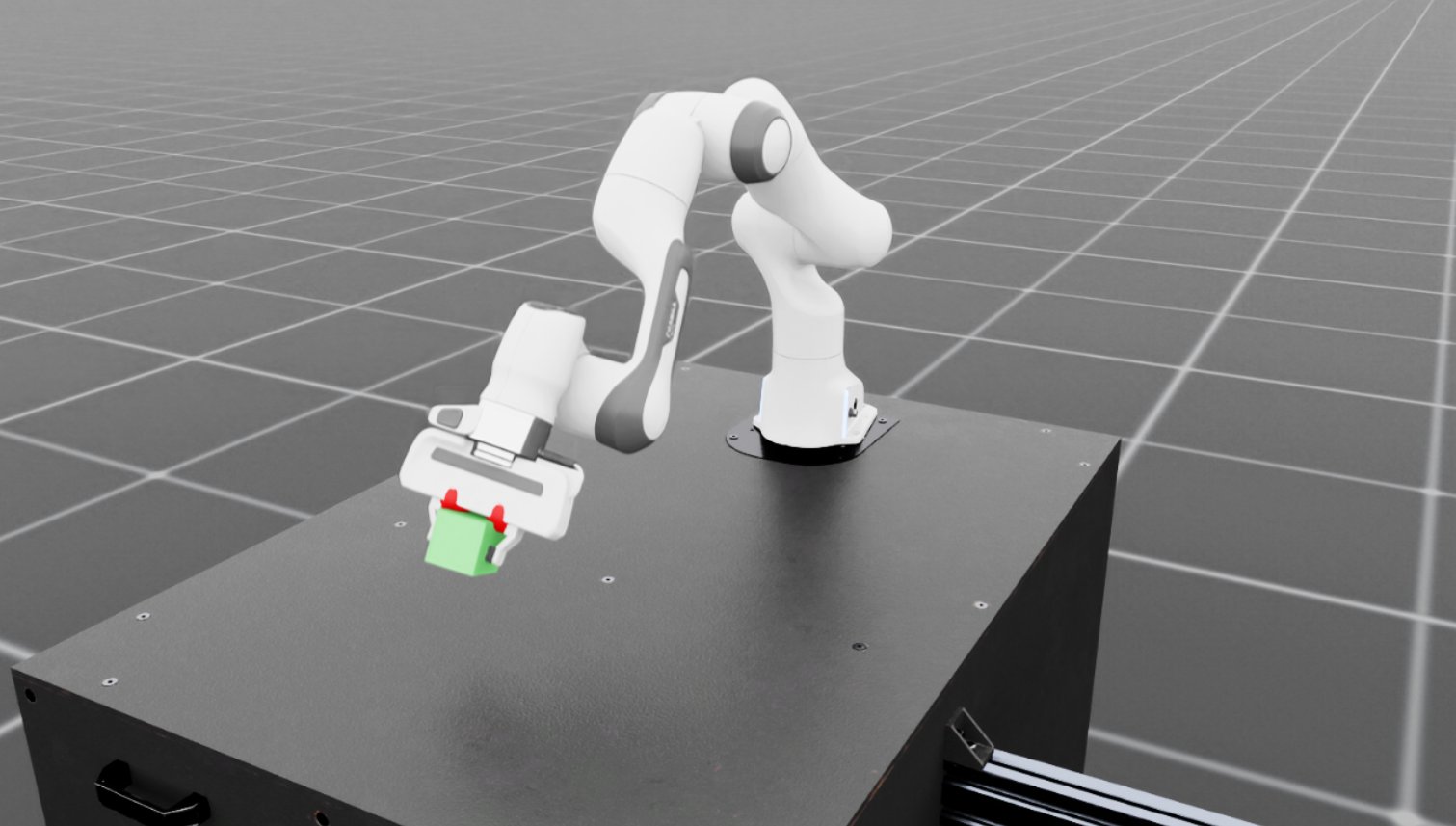
This demo requires Haply Inverse3 and VerseGrip devices. The goal of this demo is to pick up the cube or touch it with the end-effector. The Haply devices provide:
3 dimensional position tracking for end-effector control
Directional force feedback for contact sensing
Button inputs for gripper and end-effector rotation control
See Setting up Haply Teleoperation for detailed setup instructions.
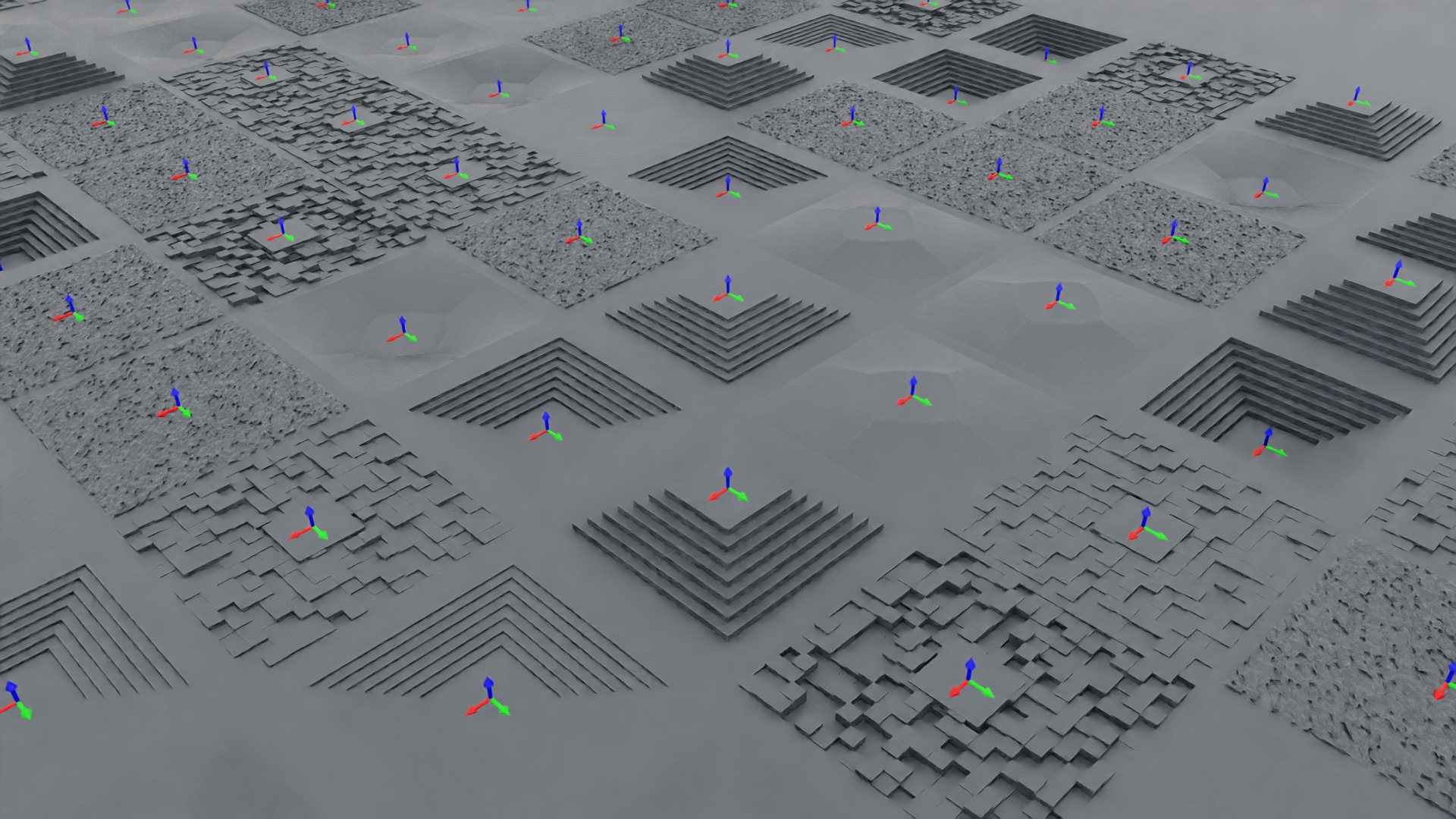
Create and spawn procedurally generated terrains with different configurations:
Physics:
isaacsim_physxonlyVisualizer:
none,kit,newton_gl,newton_rtx,rerun,viseruv run --extra isaacsim python scripts/demos/procedural_terrain.py
./isaaclab.sh -p scripts/demos/procedural_terrain.py
isaaclab.bat -p scripts\demos\procedural_terrain.py
Spawn a quadcopter in the default environment:
Physics:
isaacsim_physx,newton_mjwarpVisualizer:
none,kit,newton_gl,newton_rtx,rerun,viseruv run --extra isaacsim python scripts/demos/quadcopter.py
./isaaclab.sh -p scripts/demos/quadcopter.py
isaaclab.bat -p scripts\demos\quadcopter.py
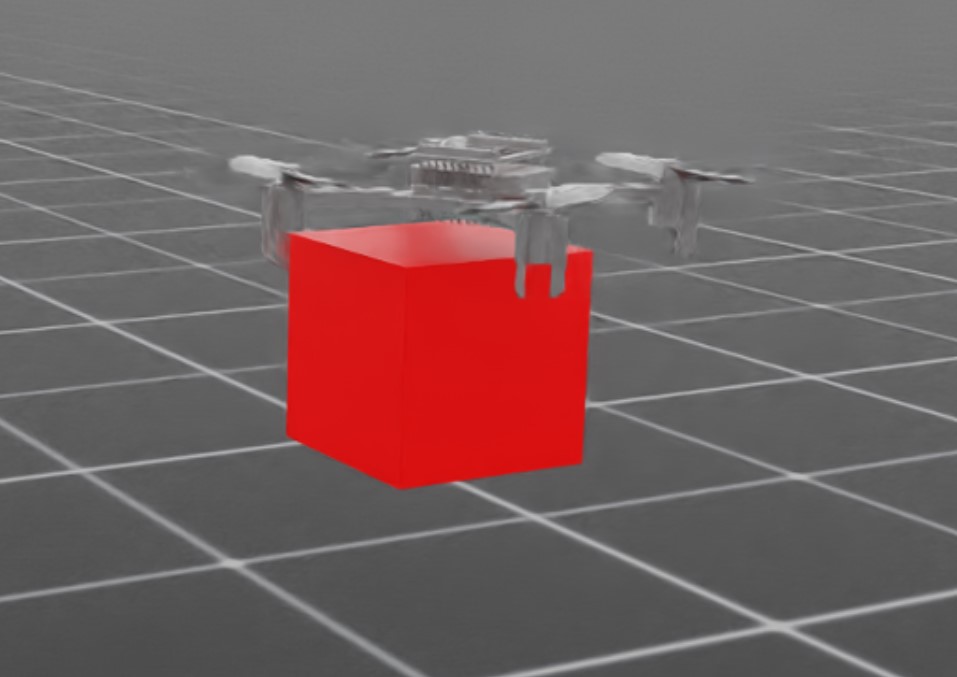
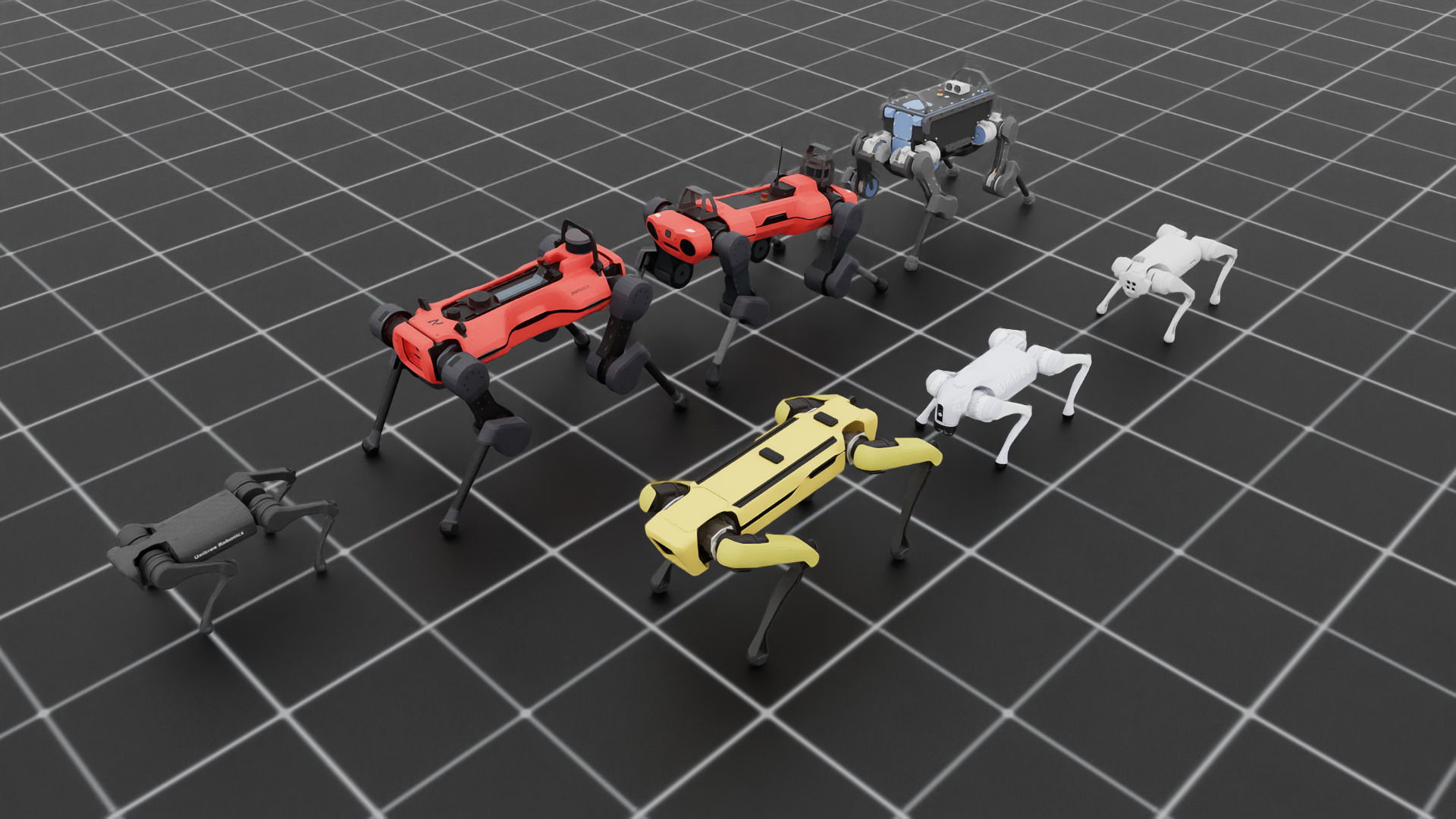
Spawn different quadrupeds and make robots stand using position commands:
Physics:
isaacsim_physx,newton_mjwarpVisualizer:
none,kit,newton_gl,newton_rtx,rerun,viseruv run --extra isaacsim python scripts/demos/quadrupeds.py
./isaaclab.sh -p scripts/demos/quadrupeds.py
isaaclab.bat -p scripts\demos\quadrupeds.py
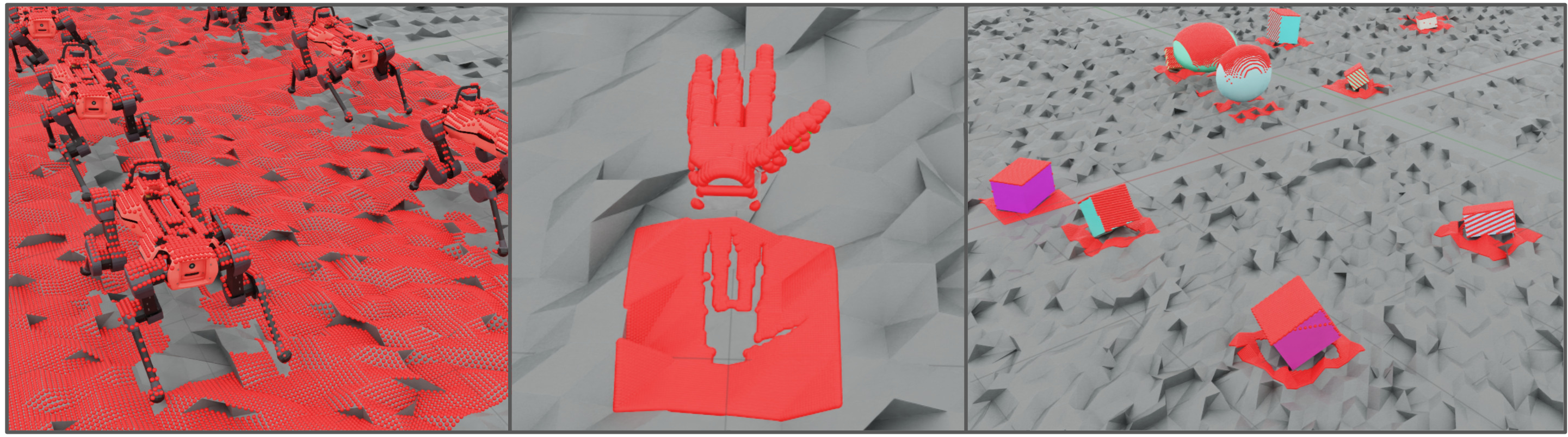
Spawn a multi-mesh ray caster that uses Warp kernels for raycasting
Physics:
isaacsim_physx,newton_mjwarpVisualizer:
none,newton_gl,newton_rtx,rerun,viserwith either physics backend;kitwith PhysX onlyuv run --extra isaacsim python scripts/demos/sensors/multi_mesh_raycaster.py --num_envs 16 --asset_type objects
./isaaclab.sh -p scripts/demos/sensors/multi_mesh_raycaster.py --num_envs 16 --asset_type objects
isaaclab.bat -p scripts\demos\sensors\multi_mesh_raycaster.py --num_envs 16 --asset_type objects